We Don’t Like the Way This One Is Sewing. Can We Add More Stitches or an Outline?
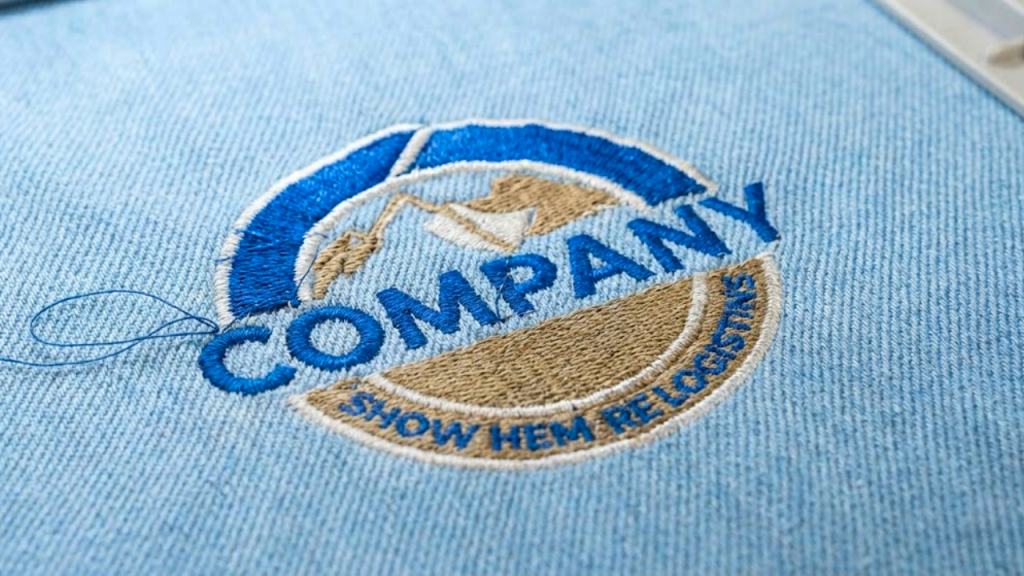
When customers see their logo stitching out differently than expected, one of the first requests is often:
“Can we add more stitches?” or “Can we add an outline to make it look better?”
While this sounds like a simple fix, adding more stitches or outlines is not always the right solution. In many cases, it can actually make the embroidery look worse. Understanding why this happens can save time, fabric, and production costs.
Why a Logo May Not Sew Well
A logo that doesn’t sew cleanly is usually not a machine issue. The most common reasons include:
- Poor stitch direction
- Incorrect stitch density
- Missing or weak underlay
- Artwork that hasn’t been properly optimized for embroidery
Embroidery is very different from printing. Designs that look perfect on screen may not translate well to fabric without proper digitizing.
Does Adding More Stitches Improve Embroidery Quality?
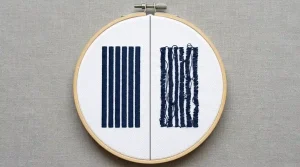
Adding more stitches may seem like it would improve coverage, but higher stitch density often causes problems, such as:
Thread breaks
Fabric puckering Read our guide on How to Stop Puckering Here
Stiff or bulky logos
Distorted shapes
Instead of solving the issue, excessive stitches usually put more tension on the fabric, especially on lightweight or stretchy materials.
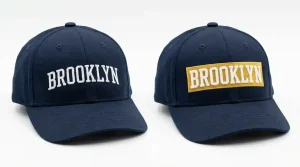
Should an Outline Be Added to the Logo?
Outlines can be useful in specific situations, such as:
Separating similar colors
Improving contrast on busy fabrics
Defining edges on bold designs
However, adding an outline without proper planning can:
Make small logos look crowded
Increase stitch count unnecessarily
Affect readability, especially in fine details
A professional digitizer decides whether an outline is needed based on logo size, fabric type, and stitch flow, not just appearance on screen.
The Real Solution: Proper Digitizing Adjustments
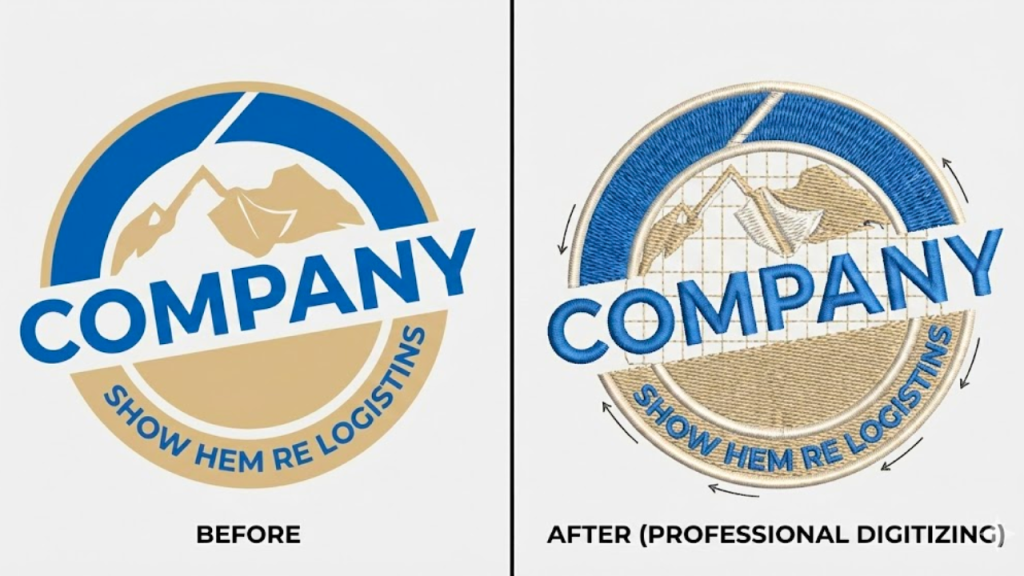
Instead of simply adding stitches or outlines, a professional embroidery digitizer focuses on:
Adjusting stitch direction for smooth flow
Correcting density based on fabric
Adding proper underlay for support
Improving pull compensation for clean edges
These adjustments improve the final result without overloading the design.
Why Professional Digitizing Matters
When logos are digitized correctly from the start, they:
Sew smoothly
Maintain shape
Look clean and professional
Reduce production issues
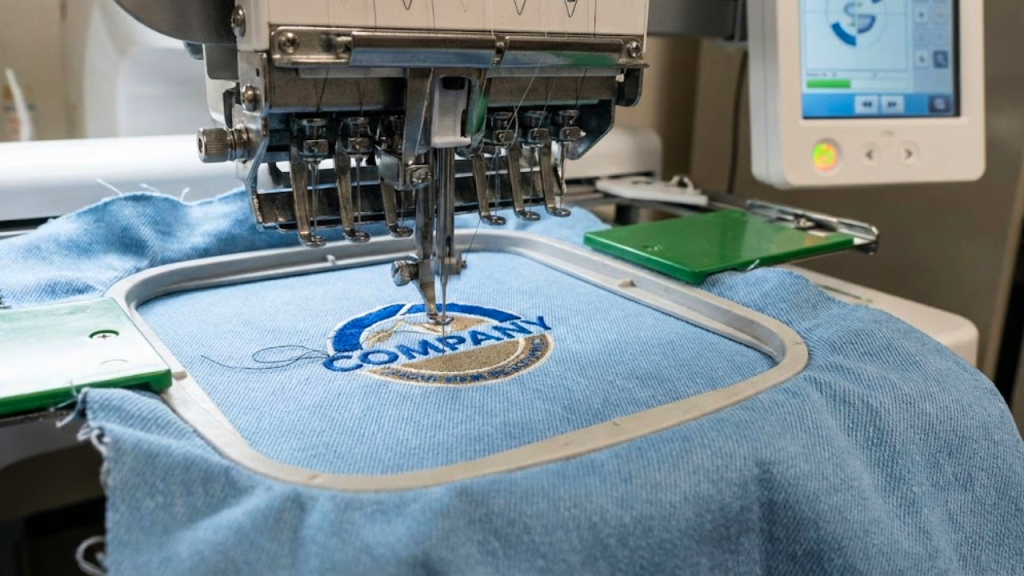
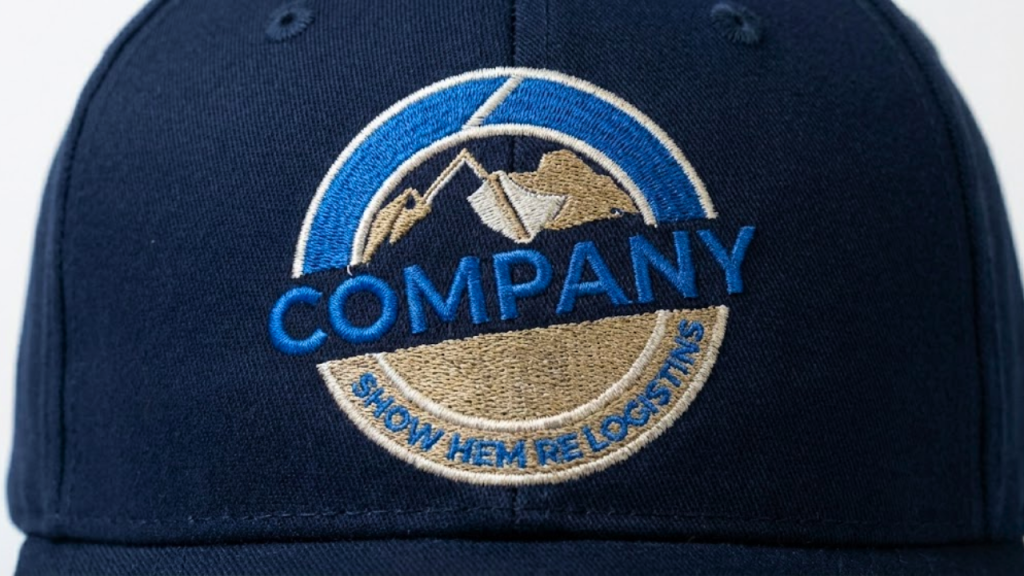
Professional embroidery digitizing ensures your logo looks great on caps, polos, jackets, and performance fabrics, without unnecessary stitch increases.
Final Advice for Customers
If a logo isn’t sewing well, adding more stitches or an outline should never be the first step. The correct approach is to review the digitizing structure and make smart adjustments tailored to the fabric and design.
Need Help Fixing a Sewing Issue?
If your logo isn’t stitching the way you want, professional embroidery digitizing can make all the difference. At SASSY DIGITIZING, we optimize designs to sew cleanly, efficiently, and consistently across all fabric types.